


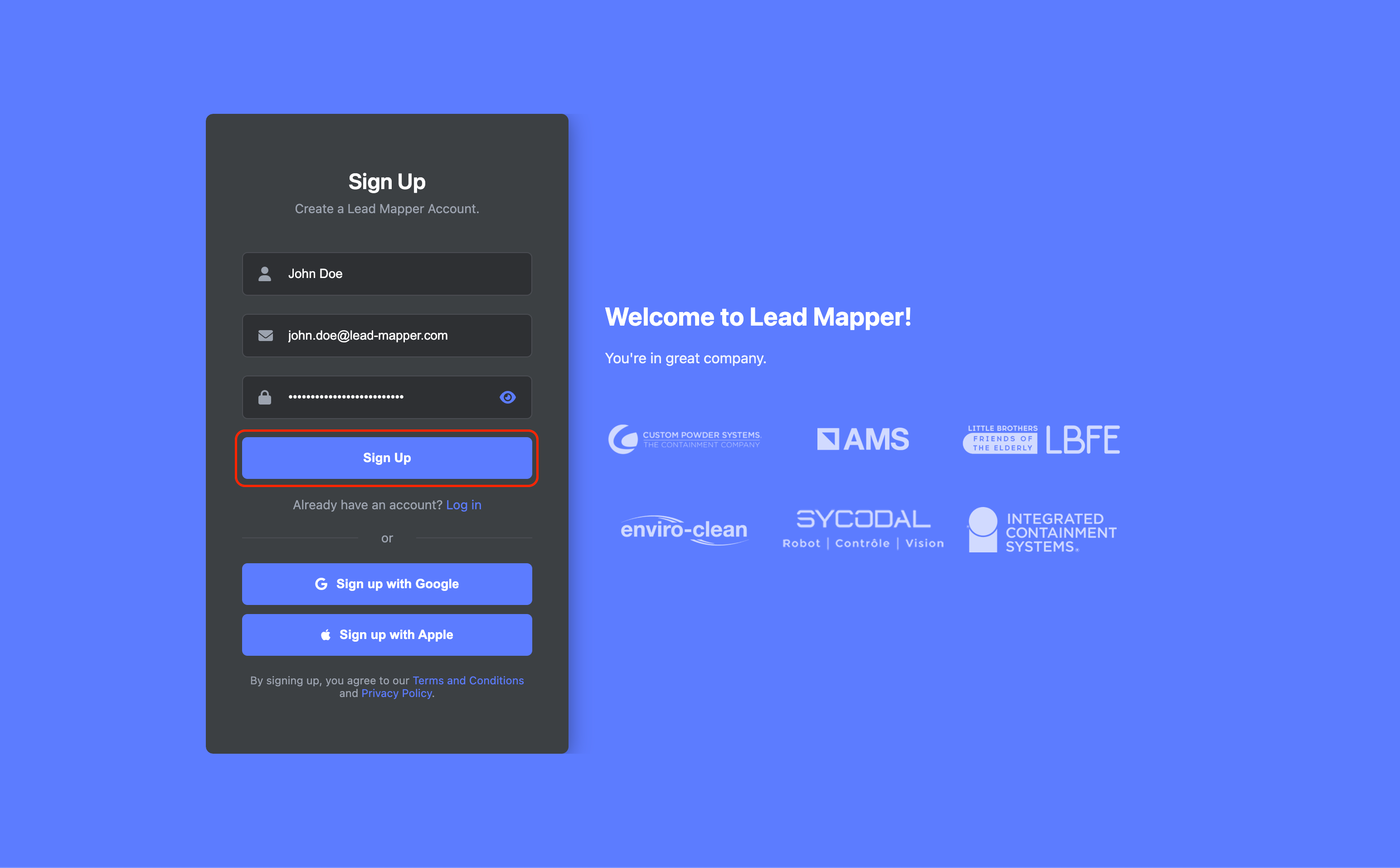
Step 1: Create a Lead Mapper Account
Start your journey by setting up a Lead Mapper account. Follow these simple steps:
Go to Lead Mapper's website, fill in your name, email address, and password, then click the "Sign Up" button to create your account.
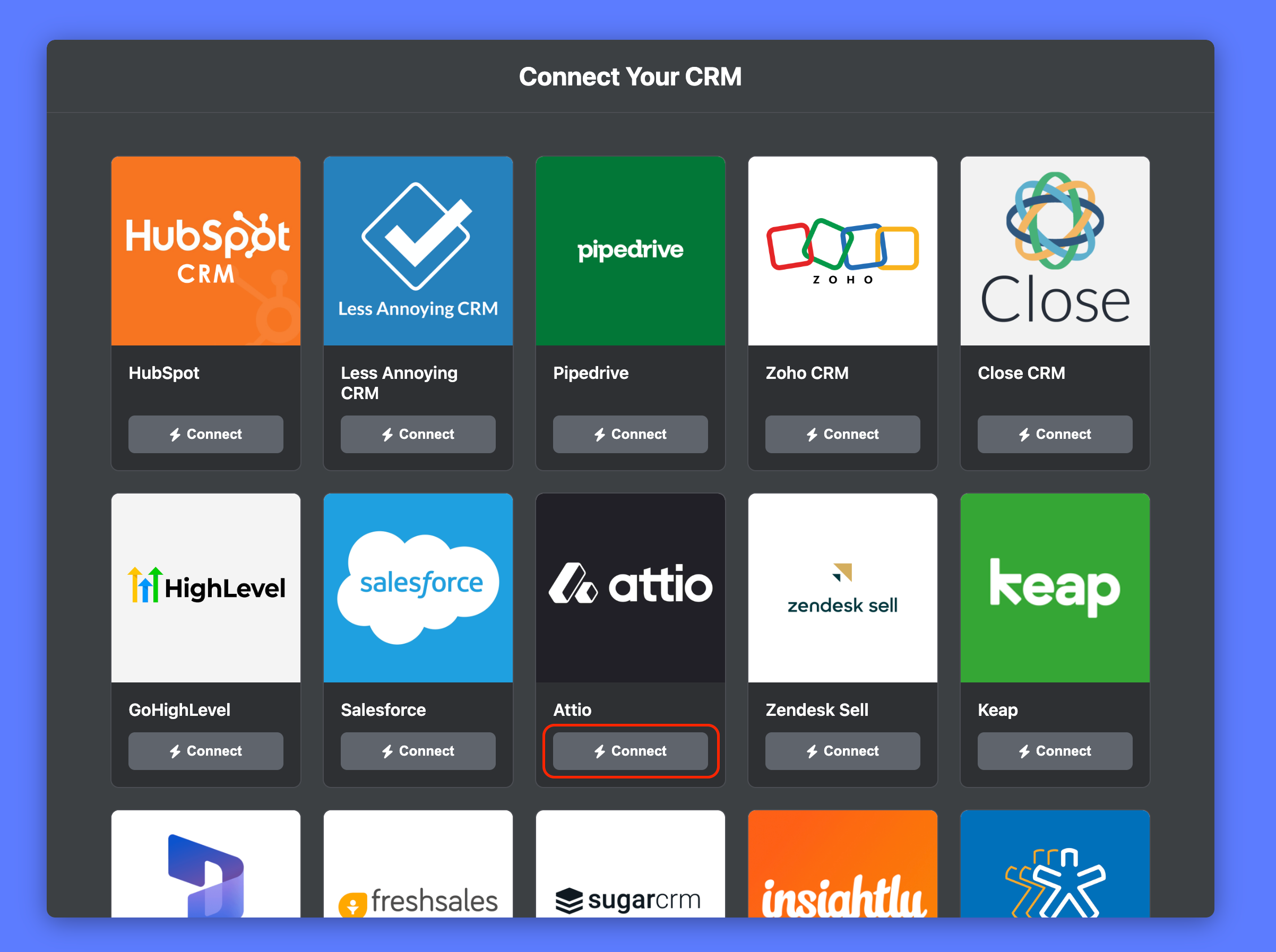
Step 2: Connecting Lead Mapper with Attio
Now that you have a Lead Mapper account, let's establish a connection with Attio. Here's how:
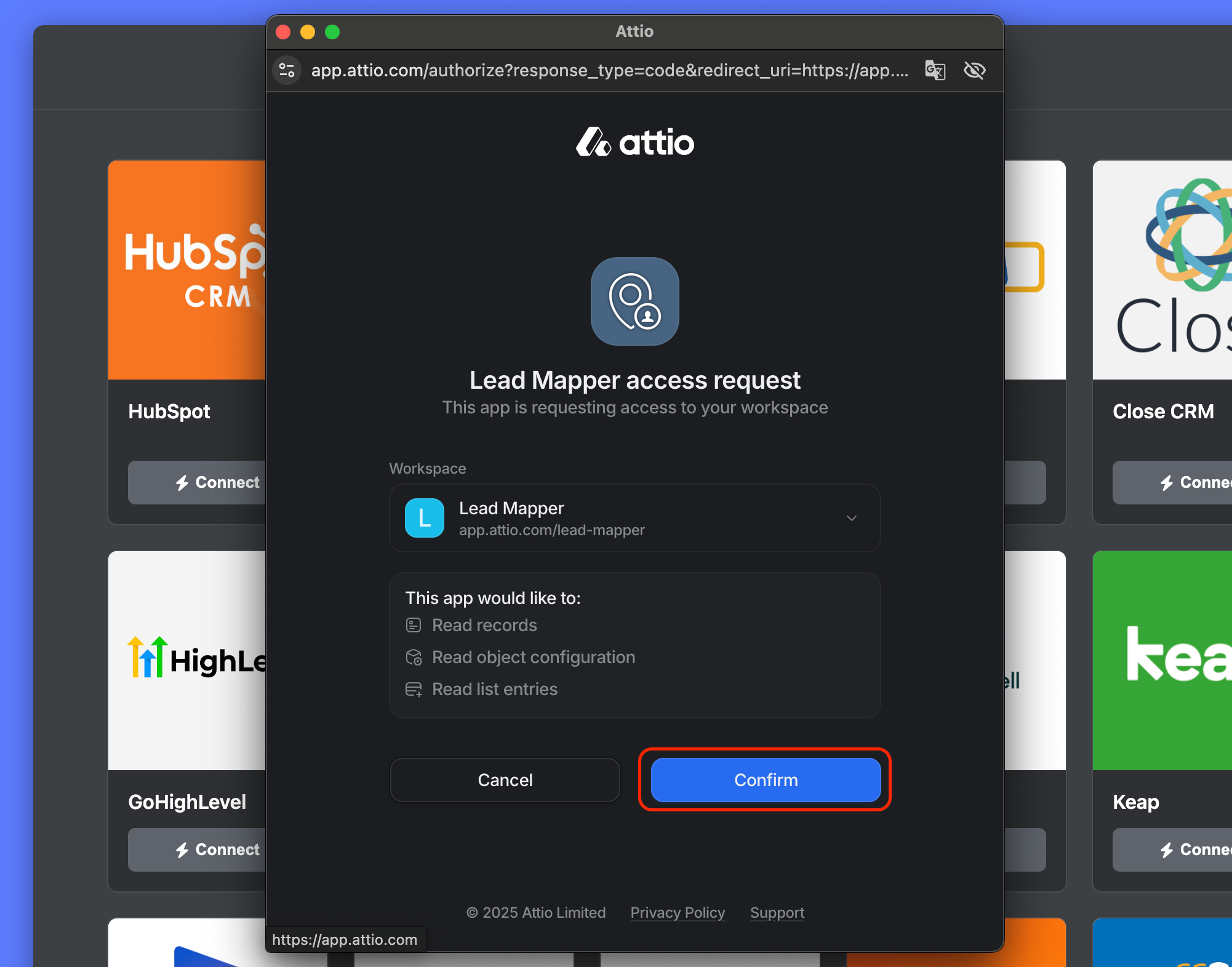
Click on the "Connect" option for Attio
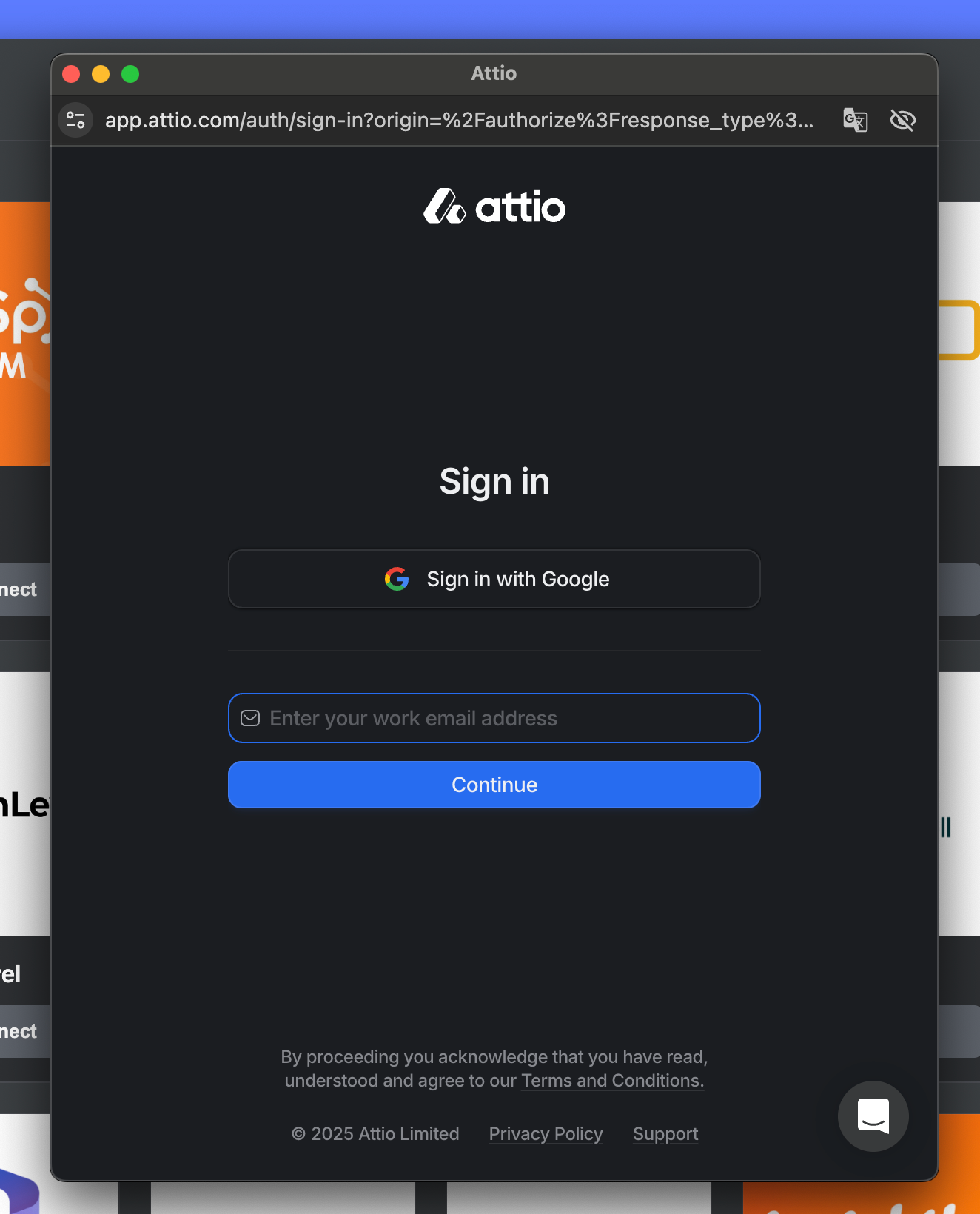
If you're not already signed in to your Attio account, you'll be prompted to do so.
Click the "Authorize" button to finalize the connection.
Step 3: Wait for your account to be set up
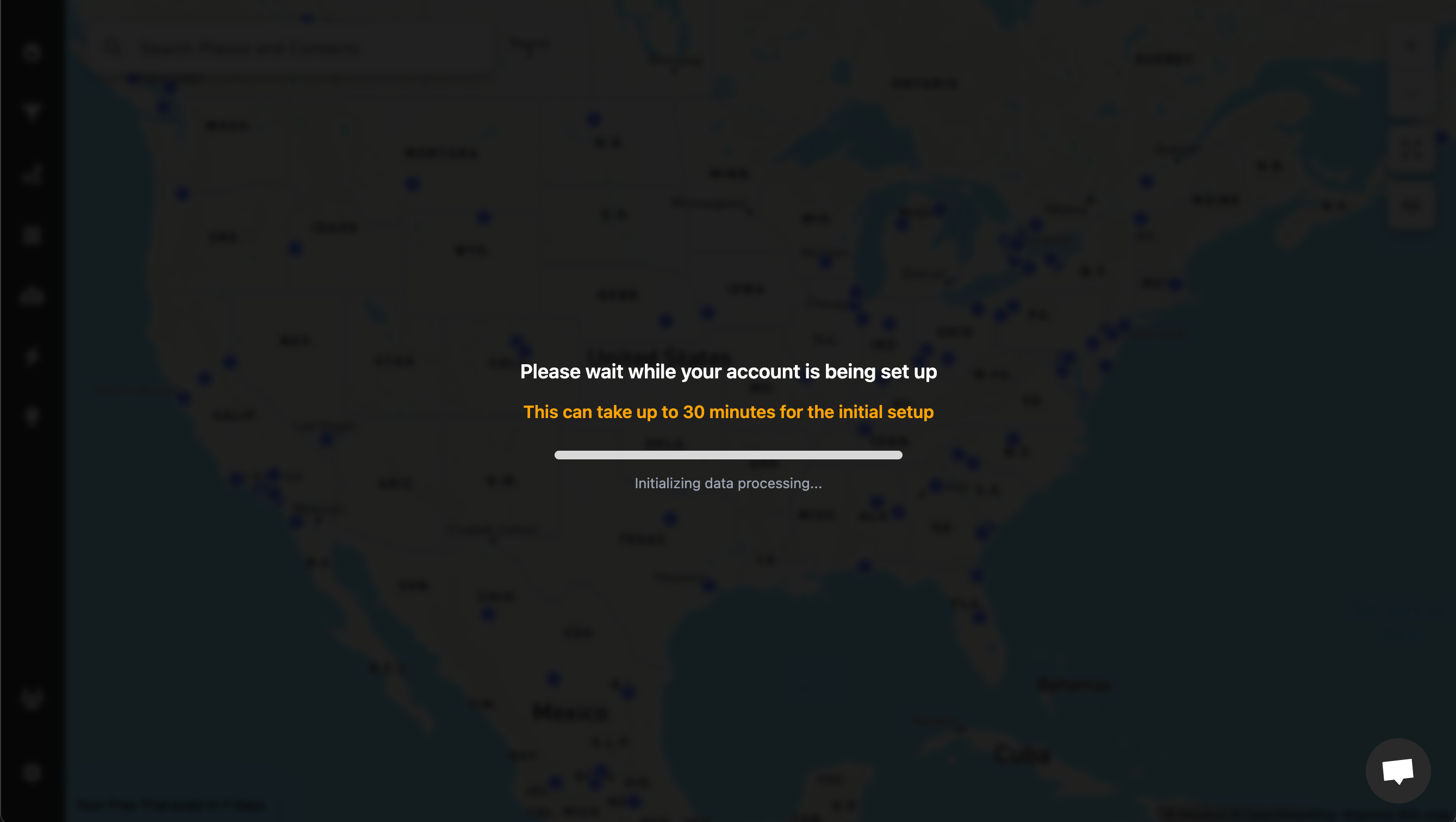
Once you’ve successfully connected your account, Lead Mapper will begin setting up your data and establishing a real-time synchronization channel with your CRM. This data process usually takes between 5 and 30 minutes.
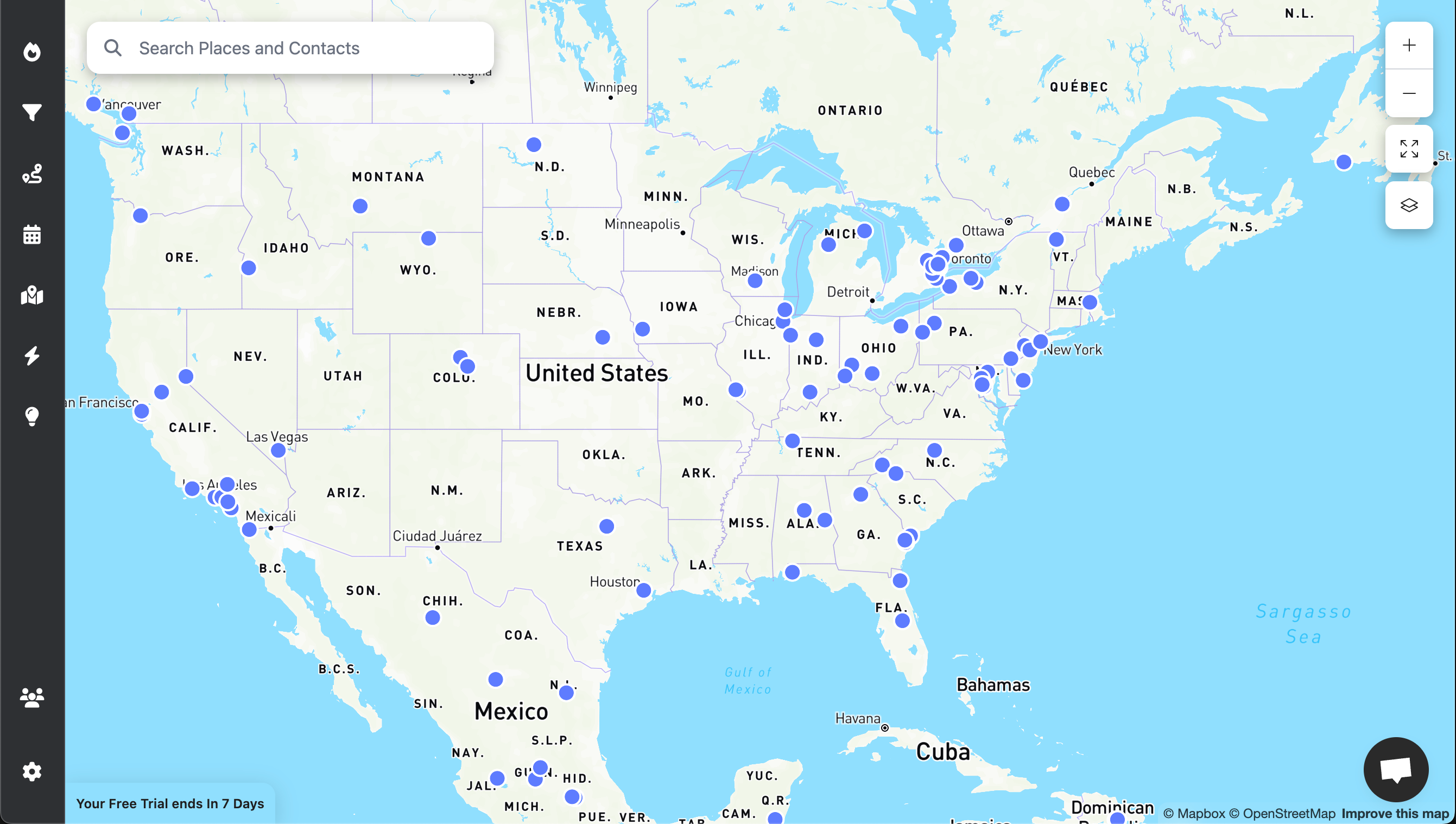
As soon as your data is loaded, you're ready to harness the power of Lead Mapper. Enjoy the experience!
Step 4 (Optional): Install the Mobile App
To access Lead Mapper on the go, install it from the App Store or Google Play Store: