

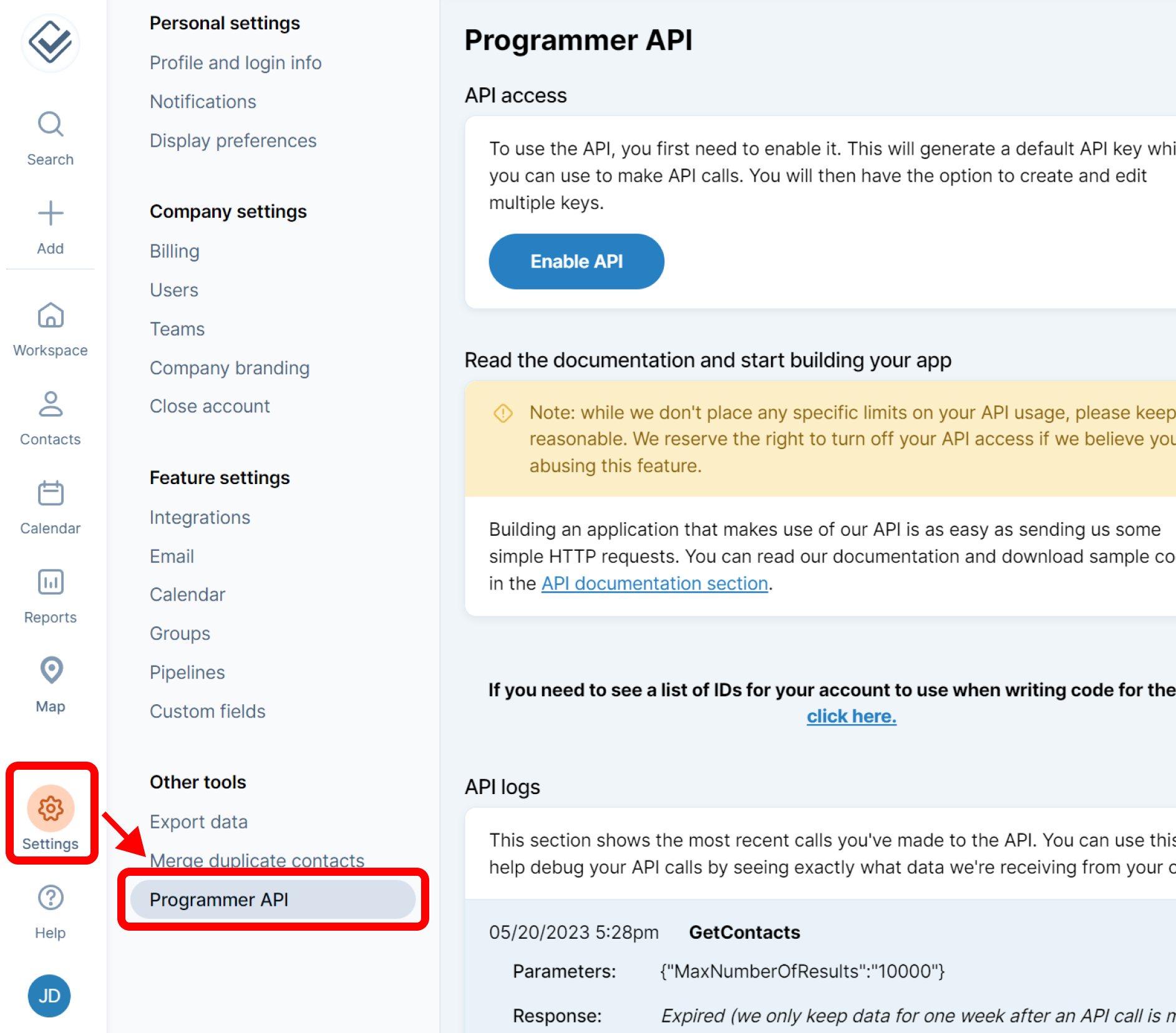
Login to your Less Annoying CRM Account, then Navigate to Settings → Programmer API.
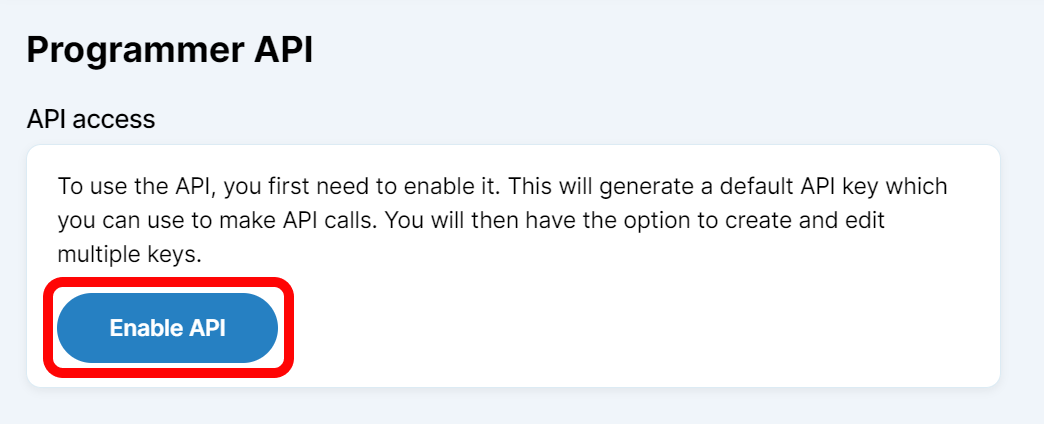
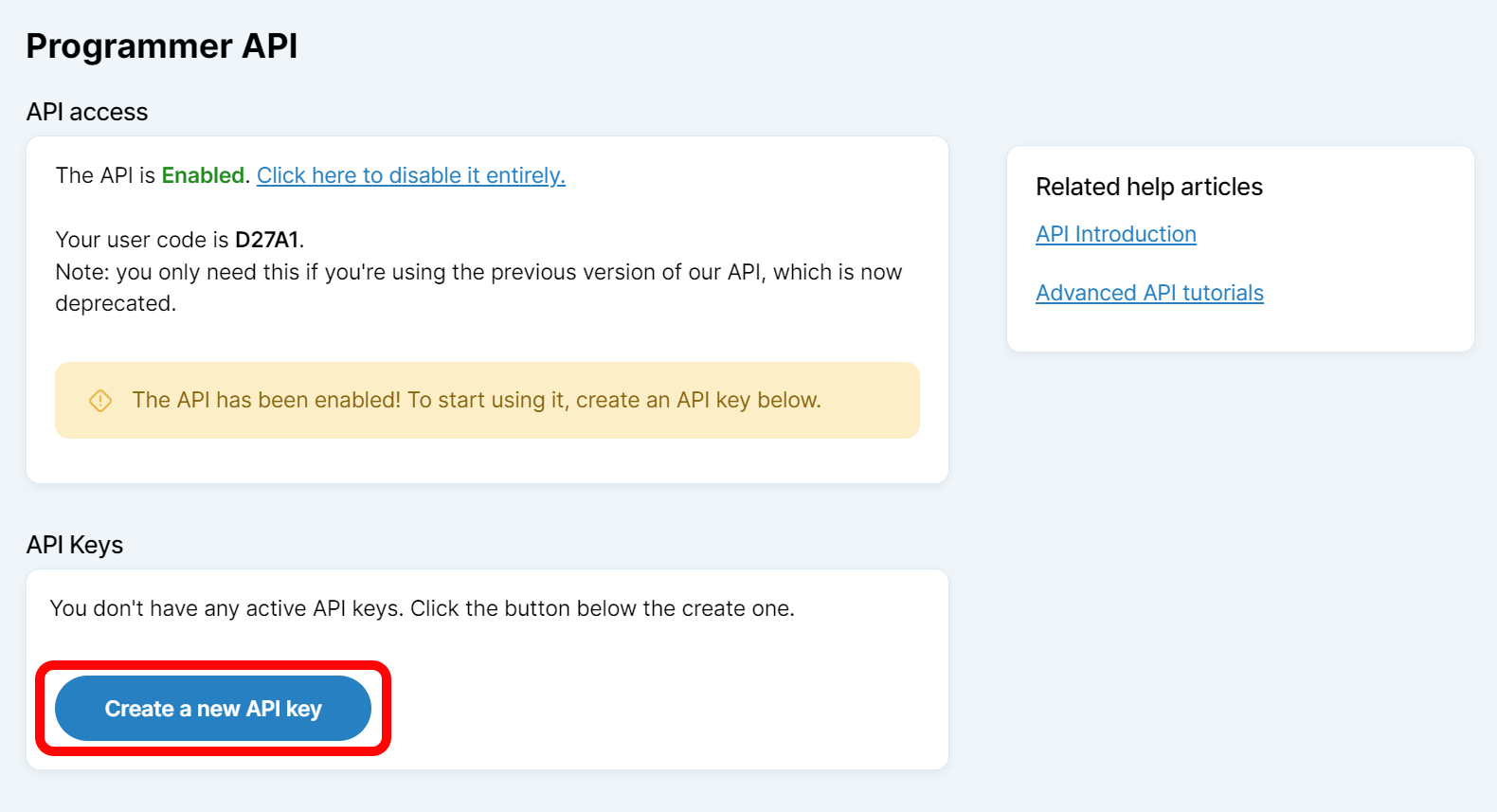
Click on Enable API
Click on Create a new API key
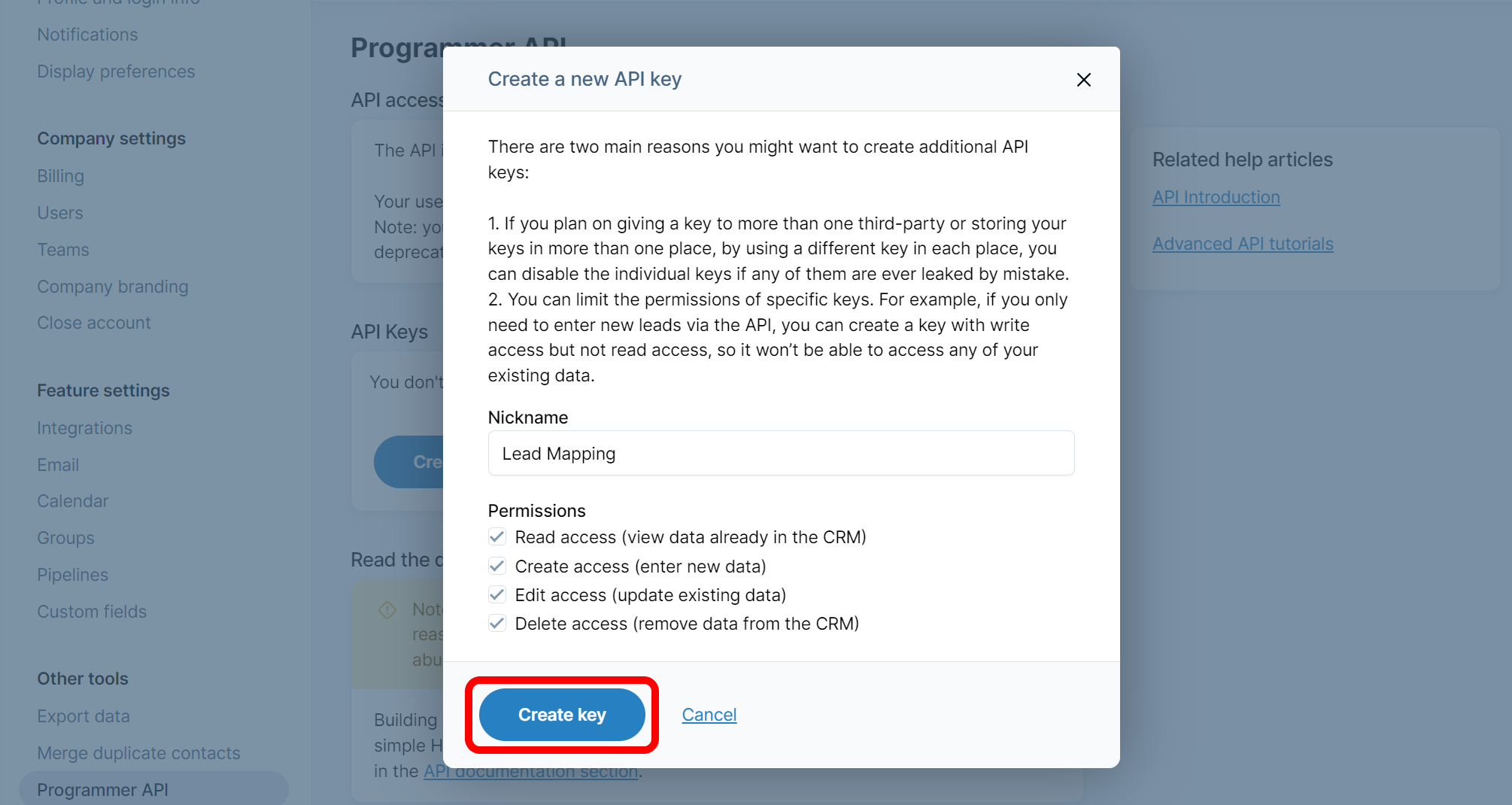
Enter a nickname and click on Create key
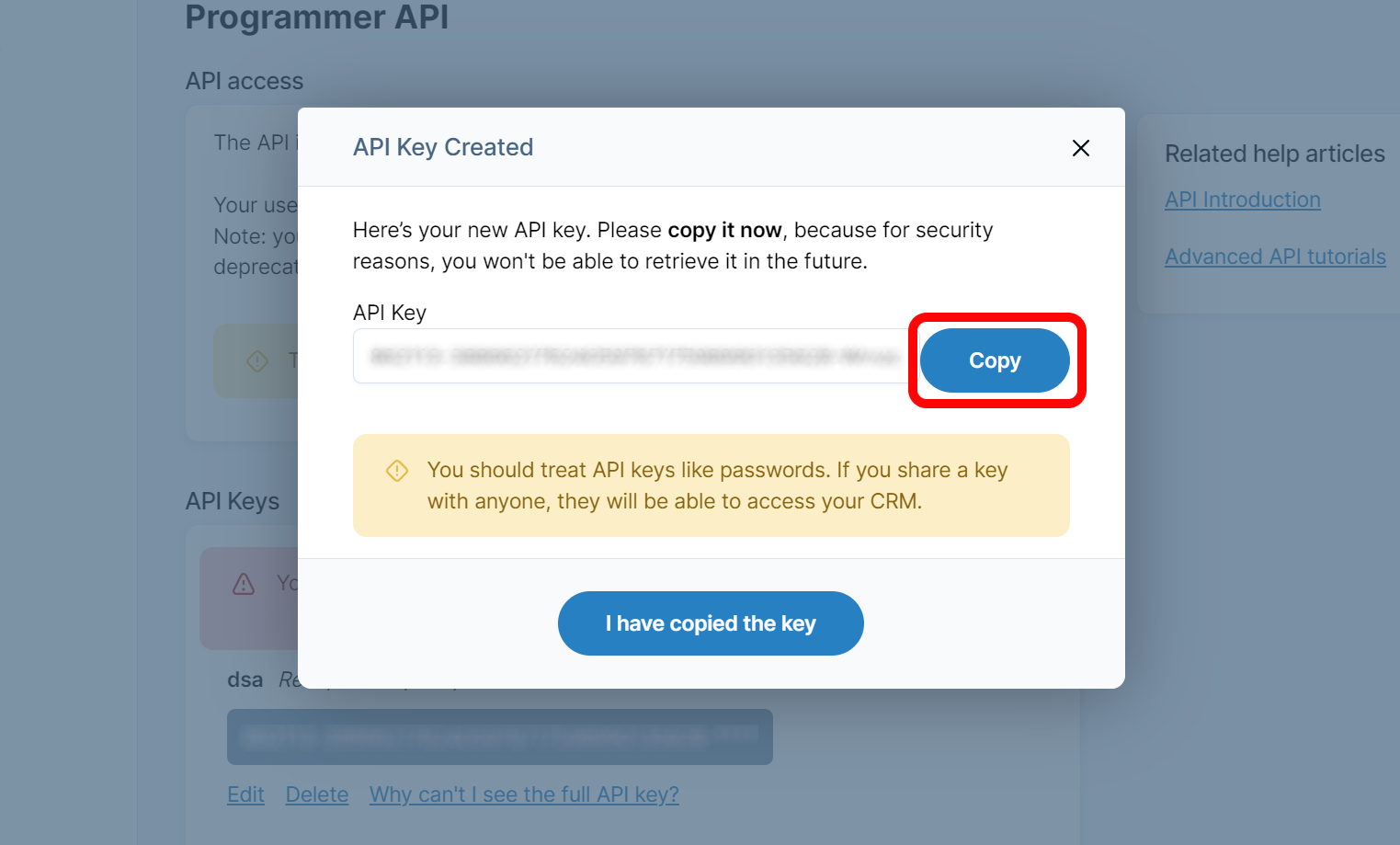
Copy your key
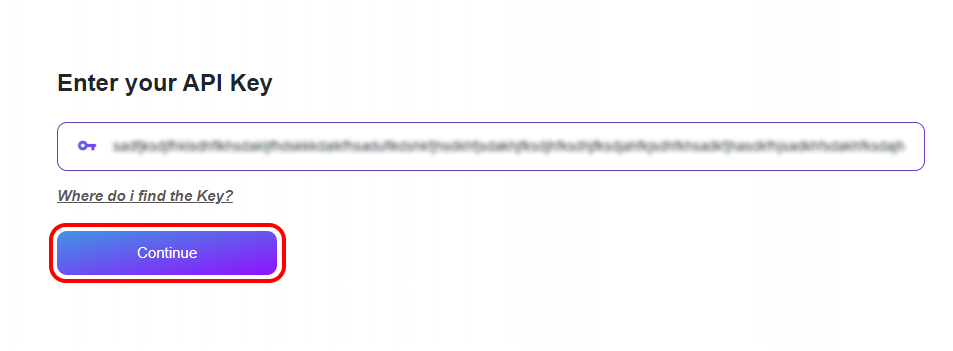
Navigate back to Lead Mapper and paste the key into the designated field. Then press Continue